If you’re looking up how to hone your graphic design skills online, the main software that will inevitably come up in most articles is Photoshop. That said, this powerful tool isn’t exactly the most beginner-friendly editing software, especially for those with no background in graphic design.
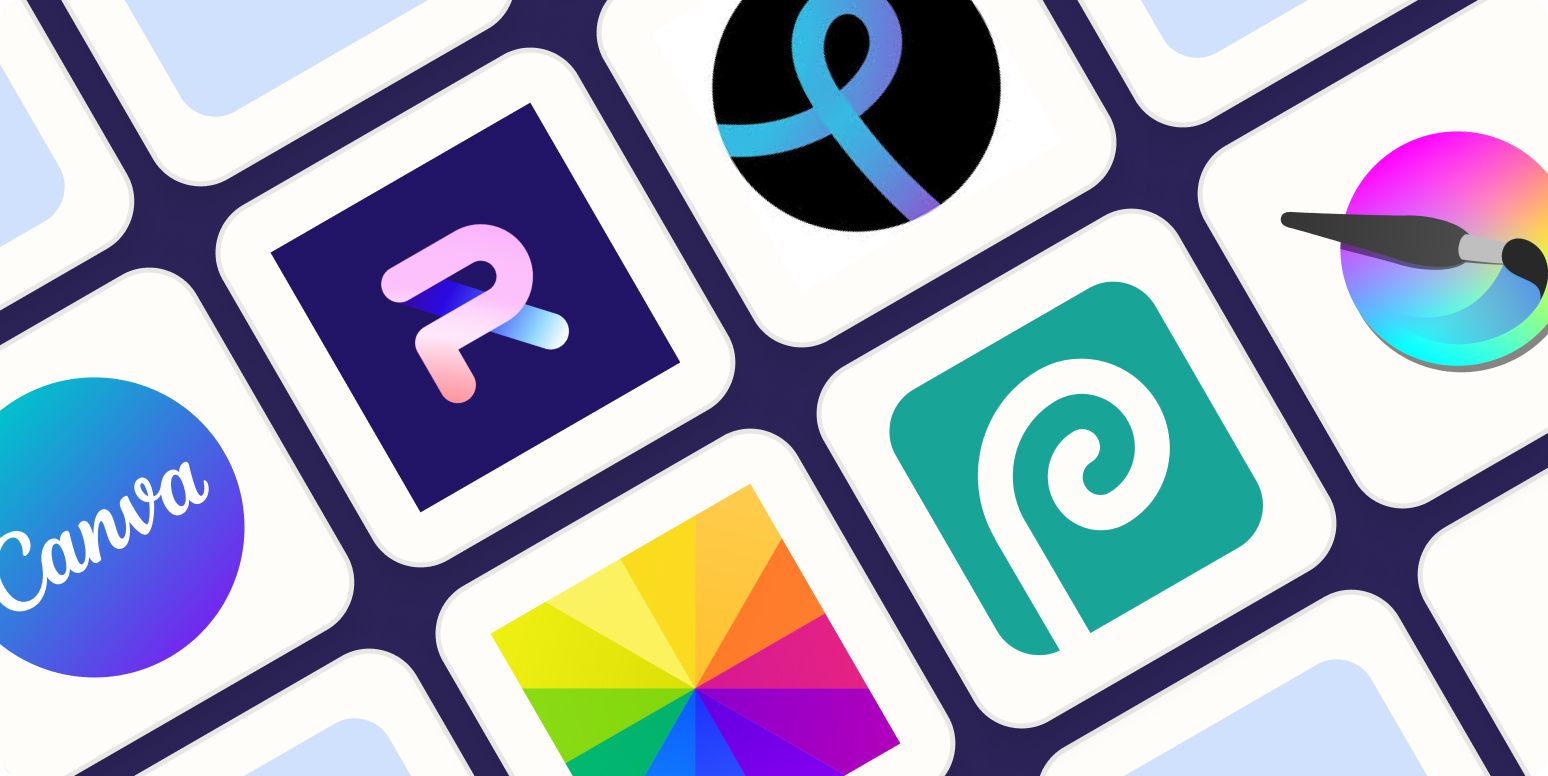
Fortunately, a lot of design tools online can serve as great alternatives. In this article, we’ll go over some of the top Photoshop alternatives you can check out today, so you can design your own high-quality and professional-looking visual content with ease.
Why Use a Photoshop Alternative for Graphic Design?
While it takes some time to get used to, Photoshop is definitely a software that you can learn and master within a matter of time. It can give you access to Adobe’s extensive Stock Library, integrate it with other Creative Cloud apps, and give you access to the most advanced graphic design or photo editing tools available.
That being said, using Photoshop does not come without its own list of cons. Below, we’ve listed some reasons why it can be beneficial to look for a Photoshop alternative:
- Cheaper Pricing
Because Photoshop is one of the most comprehensive editing software on the market, it does not come without a hefty price tag. While Adobe has recently offered monthly subscriptions for Photoshop access, the tool may be too excessive for certain users who are only looking for a basic editing tool.
- Beginner-Friendly
A majority of Photoshop alternatives online are more user-friendly due to their simpler interface. Most of these tools offer a basic drag-and-drop editor, where users simply need to combine different design elements without having to worry about complicated features.
- Device Compatibility
Depending on your device, Photoshop is not exactly the most lightweight editing tool to have. Due to its advanced features, you’re going to need a laptop or PC that meets the correct specifications to ensure a smooth run. With alternative tools, however, you can easily load up the app on the web or run it on your phone or tablet with ease.
The Best Free Photoshop Alternatives You Can Find Online
Here are our top picks for Photoshop alternatives that you can check out today:
- Adobe Express
Overview
Also part of the Creative Cloud Suite, Adobe Express is a more basic version of Photoshop that offers a drag-and-drop style editor for simple layouts and designs. While Adobe Express doesn’t offer the same advanced toolkit, it does offer similar useful features, such as adjustment layers and basic photo correction tools.
Key Features
- 100,000+ templates
- 1M+ Adobe Stock elements
- Access to Adobe Fonts collection
- Basic video, photo, and document editing
- 5GB cloud storage
Why it’s great
Adobe Express can be a great option for social media managers or individuals looking to create basic graphic designs. The app’s interface is fairly easy to navigate, and offers different templates for various design types.
Best for
- Social media graphics
- Team collaboration
- Personal use
- Piktochart
Overview
Another drag-and-drop editor, Piktochart, is an online design platform that primarily specializes in data-heavy visual content. The app also offers a variety of different tools, including an AI-powered feature that can generate organized data visually, such as reports or newsletters.
Key Features
- Unlimited visual projects
- AI credits
- Premium icons, illustrations, and 3d graphics
- Brand Kits
- PNG, PDF, PPT downloads
Why it’s great
Piktochart serves as a good alternative to Photoshop, specifically for users looking to present different types of data into easily digestible visual content. The interface is easy to navigate and offers a variety of tools most suitable for editing documents, presentations, and infographics.
Best for
- Academic use
- Office settings
- Data-heavy content
- PosterMyWall
Overview
PosterMyWall is one of the most beginner-friendly alternatives to Photoshop. Still, the tool is packed with a wide variety of useful design features, including an AI background remover for more professional-looking graphic designs.
Key Features
- 1M+ free and customizable templates
- Beginner-friendly drag-and-drop editor
- Audio/video recorder and editor
- Content Planner
- AI Images generator
Why it’s our top pick
PosterMyWall is a highly versatile tool that can be used by anyone from pro designers to individuals without experience in graphic design. Due to its extensive asset and template library, users can easily create different design types with ease and without the presence of complicated features.
Best for
- All-around use
- Social media managers
- Marketers
- Beginner designers
The Most User-Friendly Alternatives to Photoshop: Pricing Comparison
Here is a quick guide on how the subscription plans of the different tools compare with one another:
| Software | Photoshop | Adobe Express | Piktochart | PosterMyWall |
| Pricing (monthly) | ✅$22.99 | ✅Free ✅Pro ($9.99) | ✅Free ✅Pro ($29) ✅Business ($49) | ✅Free ✅Premium ($9.95) ✅Premium Plus ($29.95) |
Level Up Your Graphic Design Skills Today
The best Photoshop alternative is not a one-size-fits-all, but will instead depend on your specific business needs. However, these tools are all generally user-friendly and easy to navigate, whether you’re looking to create some social media graphics or perform basic photo editing.
If you’re ready to level up your graphic design skills, simply try out one of these apps, get started with your first design, and let us know which tool works best for you!